Why does my logo look blurry when I print it on a t-shirt?
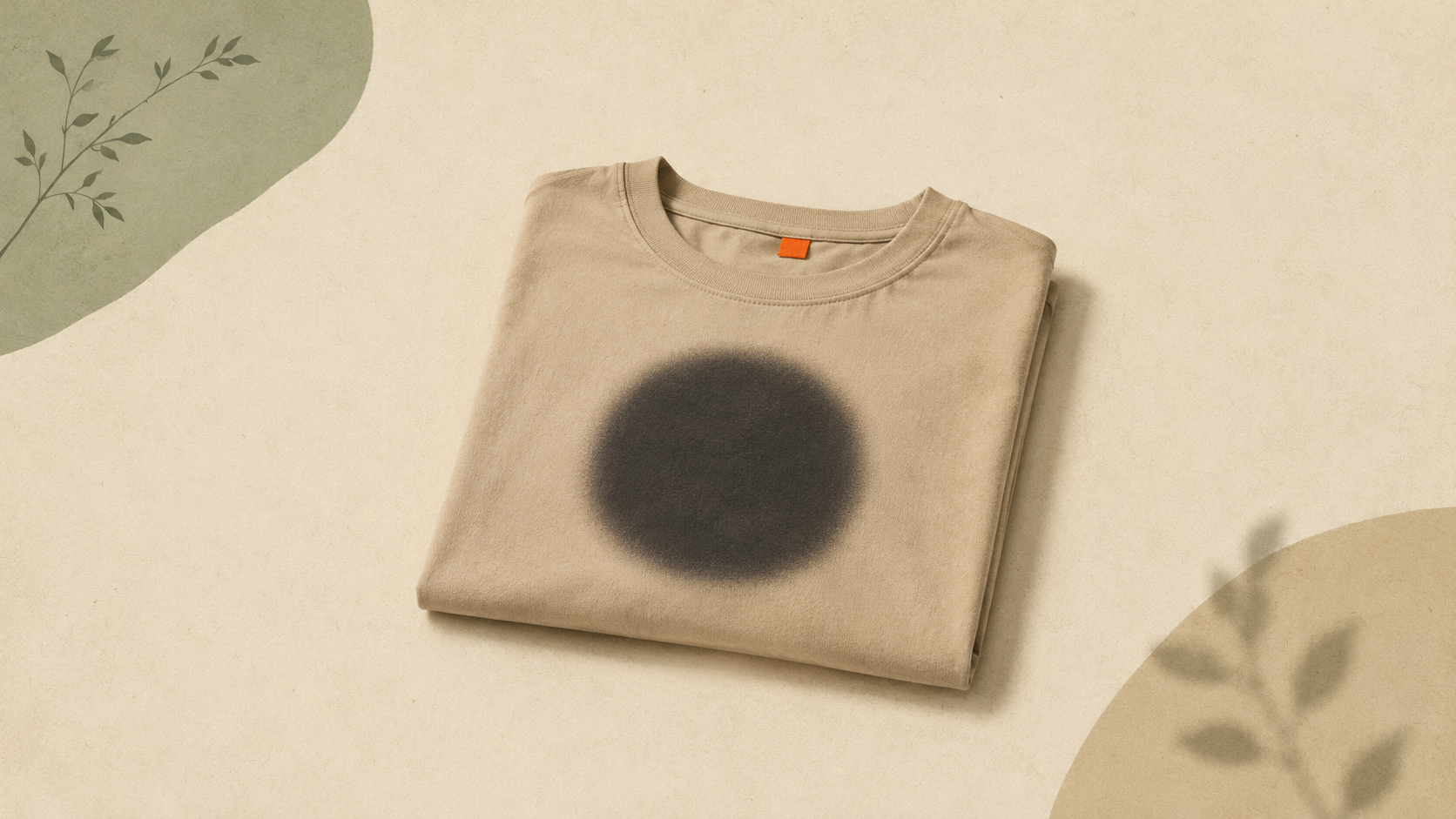
Why does my logo look blurry when I print it on a t-shirt?
You ordered shirts. They arrived. The logo on the chest looks like it was photographed through a screen door.
Here's what happened. And how to never have it happen again.
The short answer
Your printer used a raster file (JPG, PNG, or screenshot) instead of a vector file. Raster files are made of pixels. Stretch them past their original size and the pixels turn into mush. T-shirt print areas are bigger than most logo files were ever designed for.
Vector files don't have that problem. They scale to any size — business card or billboard — and stay sharp.
What's actually happening on your shirt
A logo file from your website, social media, or email is usually around 500 to 1,000 pixels wide. That's plenty for a profile picture. It's nowhere near enough for a 10-inch chest print.
When the printer scales that file up, every pixel gets bigger. Edges that should be crisp turn into a staircase of squares. Letters that should have clean curves start looking like they're made of LEGO bricks.
DTF, screen printing, embroidery — none of them can fix a bad source file. The printer can only work with what you sent.
Why this keeps happening to small businesses
Most small businesses have one logo file. It's a JPG someone sent them years ago. Maybe a PNG with a transparent background if they got lucky.
That file works fine on Instagram. It works fine on a business card. It falls apart the moment a printer tries to use it for anything bigger.
The original designer probably made a vector version. But they sent the JPG because that's what you asked for. Or because they didn't think you'd ever need the source.
So here you are. Holding a shirt with a fuzzy logo on it.
How to tell if your file is the problem
Open your logo file on your computer. Zoom in to 400% or 500%.
If the edges go jagged and pixelated, it's a raster file. Any printer is going to struggle with it.
If the edges stay perfectly smooth no matter how far you zoom, it's a vector file. Your problem is somewhere else (printer settings, ink, fabric).
You can also check the file extension:
- JPG, PNG, WEBP, GIF, BMP — raster. Will pixelate.
- SVG, EPS, AI — vector. Won't pixelate.
- PDF — could be either. Depends on how it was made.
The fix
You need a vector version of your logo. There are three ways to get one.
1. Find your original files. If a designer made the logo, they almost certainly delivered vector files at some point. Check old emails, old hard drives, anywhere a designer might have sent files.
2. Get the designer to resend. If you can find them, ask. Most designers keep work for years.
3. Convert what you have. If the original is gone or unreachable, you can convert your existing logo to vector. ArtworkUpgrade does this automatically — upload your JPG or PNG, get back vector files in formats your printer can use (SVG, PDF, EPS, AI, DXF). Free preview before you pay anything.
What to send your printer next time
For any t-shirt order, hand the printer a vector file. Ask which format they prefer — most apparel printers want EPS or PDF. Some want SVG. They'll tell you if you ask.
If you only have a raster file, get it converted before you place the order. Don't let the printer scale a small JPG and hope for the best. They'll print exactly what you sent. That's not their fault. It's the file's fault.
When raster files actually work
Raster files aren't always bad. They have their place.
A photograph belongs in raster. Faces, landscapes, anything with gradients or natural color blending — vector can't do those well.
But logos, icons, anything with solid colors and clean edges — that's vector work.
How big a print can you go from a small file?
Roughly: a 1,000-pixel-wide logo will hold up at about 3 inches printed. Push it past that and quality starts breaking down. A 2,000-pixel file gets you maybe 6 inches before it gets soft. Most apparel print areas are 10 to 12 inches wide. The math doesn't work.
That's why printers ask for vectors. There's no math at all — they print at whatever size you want without losing quality.
The takeaway
Blurry t-shirt logos are almost always a file problem, not a printer problem. The fix is upstream — send a vector file, get a sharp print. Send a raster file, get what you got.
If you've been losing printing battles to fuzzy logos for years, you don't have to keep fighting them. Convert once, and your logo is ready for whatever you want to print on next.
Stop redrawing customer logos by hand
ArtworkUpgrade vectorizes any logo or design in 30 seconds. Free preview before you pay. $7 per design, all formats included.
Try free preview →More guides for Pain Points
The hidden cost of bad print files (real-world numbers)
Bad print files cost money in ways most small businesses never track. Reprints, surcharges, designer fees, brand drift. Here are the real numbers.
Why your business card logo looks bad on a billboard
A logo that's fine on a business card can fall apart on a billboard. Here's why scaling exposes file problems and what to do before producing large signage.
Old businesses without vector files: a recovery guide
If your business is older than its first computer, your logo probably isn't a vector file. Here's how to recover it from physical materials and modernize.