Knowledge base
Blog
Practical guides for vectorizing logos and preparing artwork for print, embroidery, and craft.
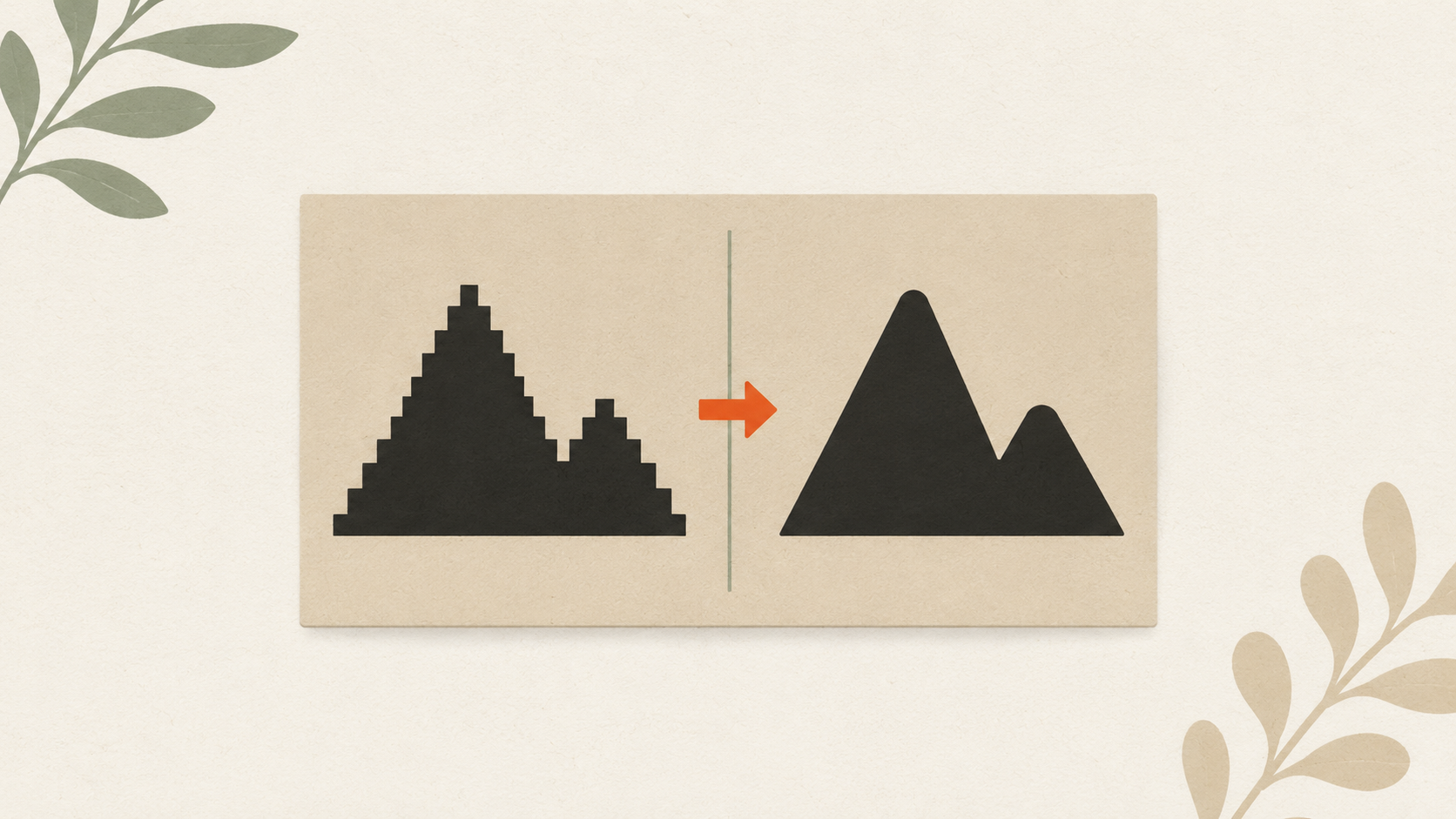
How to clean up a low-resolution logo: a practical workflow
Step-by-step guide to salvaging a low-resolution logo: assess the damage, reduce compression artifacts, upscale carefully, and vectorize for the permanent fix.
How to prepare your logo for an embroidery order: a checklist
What to send your embroiderer to get the best result: vector file formats, size and placement specs, color references, and how to handle it when you don't have vector files.
How to prepare a logo for screen printing: the customer guide
Step-by-step file preparation for screen printing: vector format, color separation, outlined text, Pantone references, line weights, and what to send the shop.
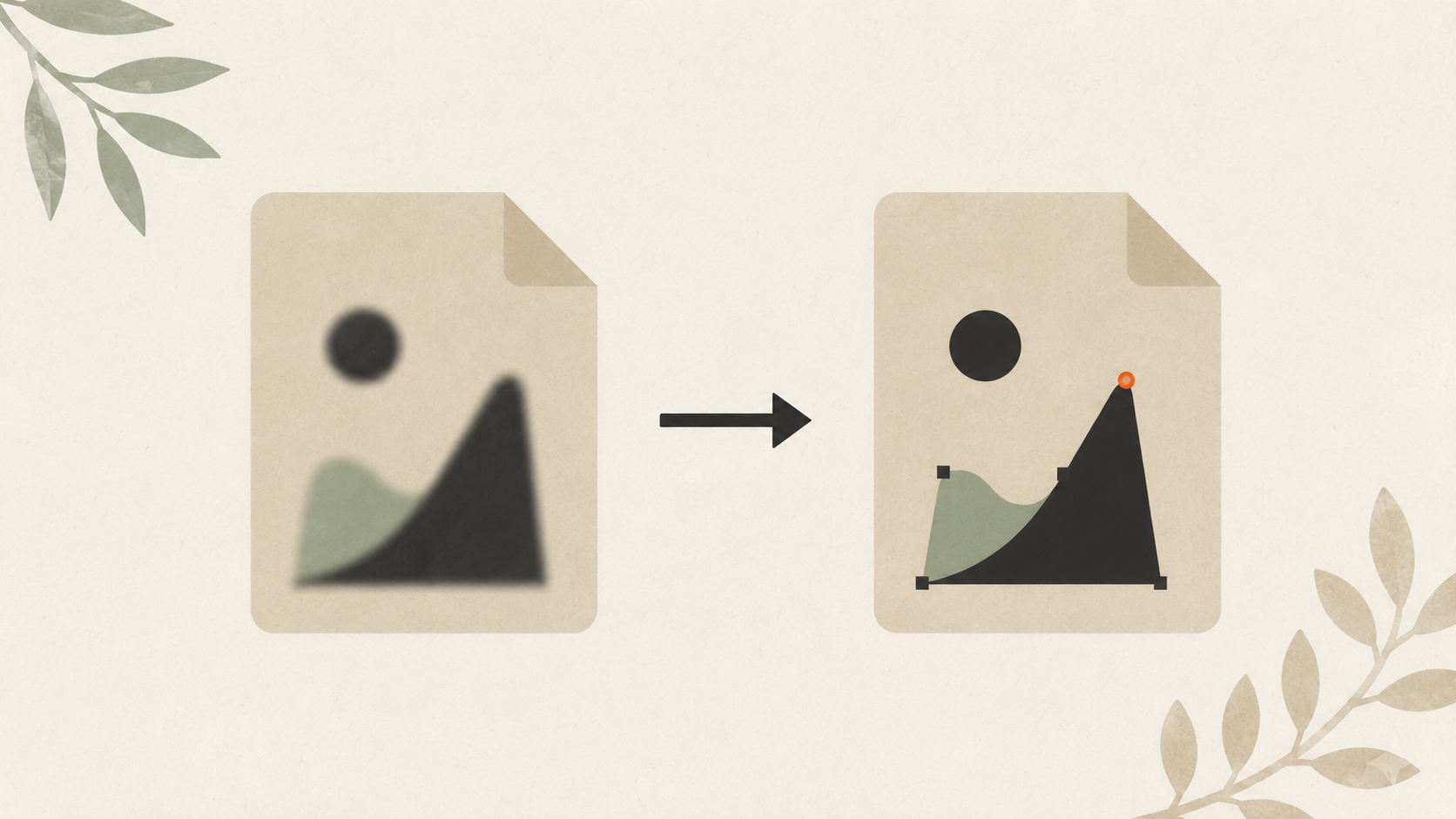
How to convert a JPG logo to vector: 4 practical methods
Four real ways to get from JPG to vector: AI vectorization, manual tracing, hiring a designer, finding original files. Costs, time, and which method fits your job.
How to export SVG from Illustrator or Canva: settings that matter
Exporting SVG from Illustrator and Canva: the settings that matter, where each tool excels or fails, and what to do when the export doesn't work right.
Cricut SVG vs DXF: which file format to use when cutting
SVG and DXF both work in Cricut Design Space but they're not interchangeable. Here's when to use each, the trade-offs, and how to convert from a raster.
How to convert a PNG to SVG for Cricut: 4 methods compared
Four ways to convert a PNG to a Cricut-ready SVG: Cricut's built-in upload, AI vectorization, Inkscape, and Illustrator. Here's what each does well and when to use which.
Screen printing: how to prepare your file for crisp, clean prints
Screen printing demands color-separated vector files. Here's how to prep your file, spec colors, handle underbases, and avoid the separation fee.
How to vectorize a logo for embroidery: a practical guide
Embroidery digitizing software needs clean vector input. Here's how to get a logo embroidery-ready, what to do with bad customer files, and common failures.
Sublimation file format guide for crafters and small print shops
Sublimation is file-fussy and unforgiving. Here's the resolution, color mode, transparency, mirroring, and substrate rules your file needs to follow.
Vinyl cutter file formats explained: which format for which machine
Every vinyl cutter wants a slightly different file format. Here's the breakdown by brand, cut layer conventions, and how to keep source files flexible.
Inkjet vs offset printing: why files print differently
The same logo prints differently across inkjet and offset processes. Here's why, what's actually happening to your colors, and the right file for each.
UV DTF printing: why high-resolution files matter most here
UV DTF prints small, hard surfaces viewed up close. Resolution requirements are stricter than regular DTF. Here's exactly what your file needs.
DTF printing file requirements: what your file needs to print well
DTF printing is unforgiving when the source file is wrong. Here's the resolution, color, transparency, and format your file needs to print sharp on apparel.

The hidden cost of bad print files (real-world numbers)
Bad print files cost money in ways most small businesses never track. Reprints, surcharges, designer fees, brand drift. Here are the real numbers.
Why your business card logo looks bad on a billboard
A logo that's fine on a business card can fall apart on a billboard. Here's why scaling exposes file problems and what to do before producing large signage.
Old businesses without vector files: a recovery guide
If your business is older than its first computer, your logo probably isn't a vector file. Here's how to recover it from physical materials and modernize.
Why brand agencies always ask for "open files" (and what they mean)
Open files are the editable source files for your logo. Here's what they are, why agencies need them, and how to recover them if you don't have any.
The customer sent me a screenshot. Now what? A printer's guide
Customers send screenshots when they don't have the real logo file. Here's how to handle it: ask for the original, convert what you have, and send vector back.
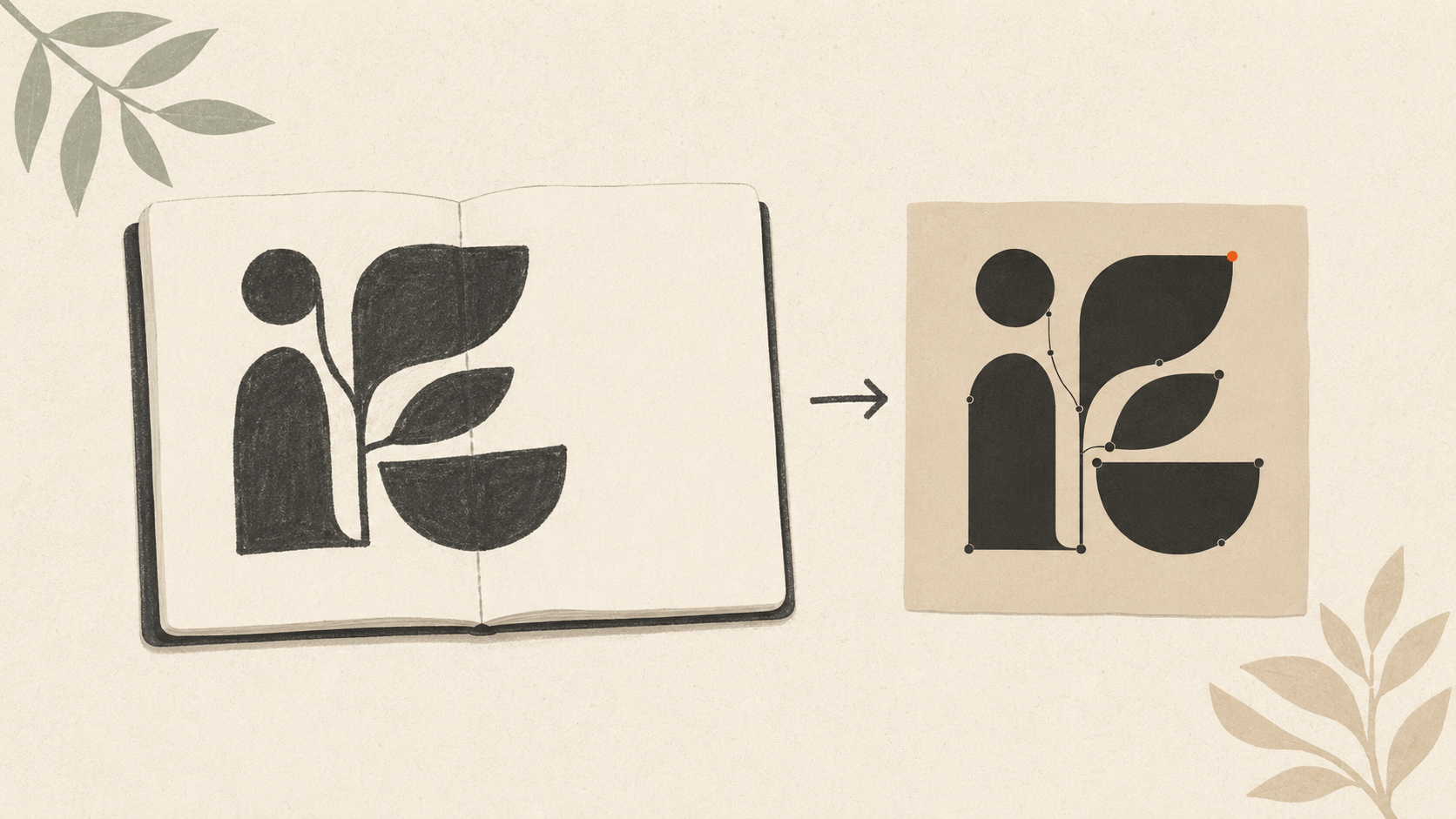
How to vectorize hand-drawn artwork: scan, clean, trace, refine
Full workflow for getting vector files from hand-drawn art: scanning, cleanup, vectorization methods, and how to preserve hand-drawn character or clean it up.
Foil printing file requirements for metallic finishes
Foil printing turns a piece premium but the file rules are strict. Here's exactly how to structure your file for hot foil, cold foil, and digital foil work.
Sign making vector file requirements: what sign shops actually need
Sign shops want AI, EPS, or vector PDF — and there's a reason. Here's exactly what files sign makers need, what fails, and what to do if you don't have one.
Why does my customer's logo print so badly? A print shop guide
Print shops get bad customer files every week. Here's why low-quality logos pixelate at print size, and how to handle the conversation without losing the job.

I lost my company's vector files. Here's how to get them back
Most lost vector files aren't actually lost. Here's the order to recover them: search your own systems, contact the designer, ask old vendors, then convert.
Why does my logo look blurry when I print it on a t-shirt?
Your t-shirt logo looks fuzzy because your printer used a raster file (JPG/PNG) instead of vector. Here's what's happening and how to fix it for next time.