Why does my customer's logo print so badly? A print shop guide
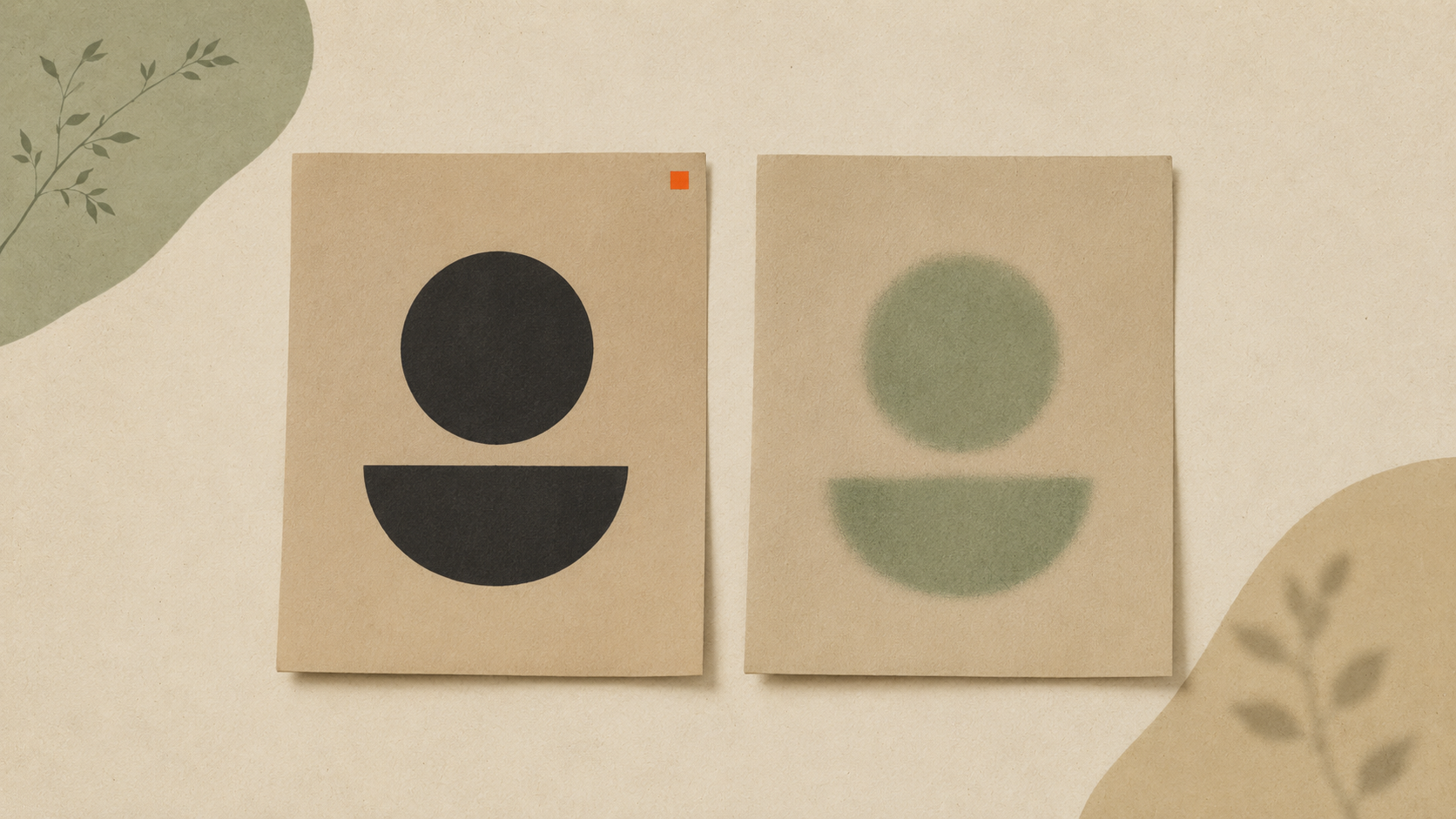
Why does my customer's logo print so badly?
If you run a print shop, this scene happens every week.
A customer emails you a logo. You open the file. It's a 600-pixel JPG pulled off their website, with white background bleed, JPEG compression artifacts around the letters, and a resolution of 72 DPI. They want it printed 10 inches wide on 200 t-shirts.
You know exactly how this is going to look on press. Mushy edges. Color shifts. Halos around the type.
The customer doesn't know any of that. From their side, they sent you "the logo." They expect a perfect print.
Here's why it keeps happening, and how to handle it without losing the job or burning the relationship.
The fundamental issue
Most small business customers have exactly one version of their logo. It's whatever a designer sent them years ago, usually a raster file.
That file was made for digital use — a website header, an email signature, a social profile. It was never made for printing at scale. The original designer almost certainly delivered vector files too. The customer either lost them, never received them, or doesn't know what "vector" means.
So when you ask for a "high-resolution logo," they send you the highest-resolution thing they have. Which is still a 1,000-pixel JPG.
It's not malice. It's just that customers don't speak file formats.
Why bad files print badly — quickly
Three things go wrong when you print a low-quality raster file at scale.
Pixelation. When you scale a 600px image to 10 inches at 300 DPI, the print engine has to invent pixels that don't exist in the original. Edges that should be crisp turn into a staircase. Curves get blocky.
Compression artifacts. JPG files compress by approximating areas of similar color. At normal viewing size, you don't see it. At print size, you see colored noise around solid edges, especially around black text on white backgrounds.
Color shift. RGB raster files convert to CMYK for printing. The conversion isn't always clean. Reds get muddy, blues shift, brand colors don't match the website. Vector files with named spot colors avoid this.
You can compensate for some of this in prepress. You can't fix a 600px file that needs to print at 3,000px.
The conversation customers need
Don't reject the job. Don't lecture them. Educate quickly and offer a path forward.
Here's a script that works:
"Hey [name], thanks for the order. The logo file you sent will print, but it's going to look soft at the size you want. To get a sharp print, we need a vector version of your logo. Can you check if your designer sent you any files ending in .ai, .eps, .svg, or a vector PDF? If you can't find one, we can convert what you have for [your fee] and use that."
Three things this does:
- Doesn't make the customer feel stupid.
- Gives them a free option (find their original files).
- Gives them a paid option (you handle it).
Most customers will hunt for files when prompted. About half find them. The other half pay you to convert.
Should you offer conversion as a service?
Yes, if you don't already.
Logo conversion is a high-margin add-on for print shops. AI vectorization tools have made the work fast — what used to take a designer an hour now takes a few minutes. You can charge $25 to $75 per logo and still come out ahead on time.
Some shops use ArtworkUpgrade for this. Upload the customer's raster file, get clean vector outputs back (SVG, PDF, EPS, AI, DXF). Preview before you pay, so you only commit when the conversion looks right. The output goes straight into your print workflow.
If you'd rather not handle conversion yourself, send customers to a self-service tool with clear instructions: "Run your file through [tool], download the SVG and EPS, send them back to us." Most customers will do this rather than start over.
How to set expectations before this happens
A bad-file conversation is much easier when the customer was warned upfront.
Add file requirements to your quote or order form. "For best print quality, please provide vector files (.ai, .eps, .svg, or vector PDF). If you only have JPG or PNG, we'll convert your file for [fee]." Customers see this before they place the order, not after.
Show before-and-after examples. A photo of a fuzzy print next to a sharp print communicates more than any explanation. Put one on your site.
Pre-flight all files before you start. Open every customer file at print size on your monitor. If it looks bad on screen, it'll look worse on press. Email the customer before you go to plate or screen.
When the customer pushes back
Some customers will insist their JPG is fine. They'll point out that it looks great on their phone. They'll say their last printer didn't have a problem.
You have three options:
1. Print it anyway with a written warning. Email them a note saying you'll print the file as supplied but quality will be limited by the input. Get them to acknowledge it. Print it. They live with what they get.
2. Refuse the job. If your shop has standards and your name goes on the work, you can decline. Polite refusal: "I want to make sure you're happy with the result, and I don't think we can hit that with this file. Let's get a vector version first."
3. Upgrade them anyway. Convert the file at cost or below cost the first time, deliver a great print, send them the vector files for future orders. You've turned a problem customer into a loyal one.
Option 3 is the long play. It costs you a little upfront and earns you years of repeat business.
The takeaway
Customer logos print badly because customers don't know what vector files are, and they send you whatever they have. The fix is part education, part service offering: tell them what good looks like, and offer a way to get there. Most customers say yes when you give them a clear option.
Stop redrawing customer logos by hand
ArtworkUpgrade vectorizes any logo or design in 30 seconds. Free preview before you pay. $7 per design, all formats included.
Try free preview →More guides for Pain Points
The hidden cost of bad print files (real-world numbers)
Bad print files cost money in ways most small businesses never track. Reprints, surcharges, designer fees, brand drift. Here are the real numbers.
Why your business card logo looks bad on a billboard
A logo that's fine on a business card can fall apart on a billboard. Here's why scaling exposes file problems and what to do before producing large signage.
Old businesses without vector files: a recovery guide
If your business is older than its first computer, your logo probably isn't a vector file. Here's how to recover it from physical materials and modernize.