UV DTF printing: why high-resolution files matter most here
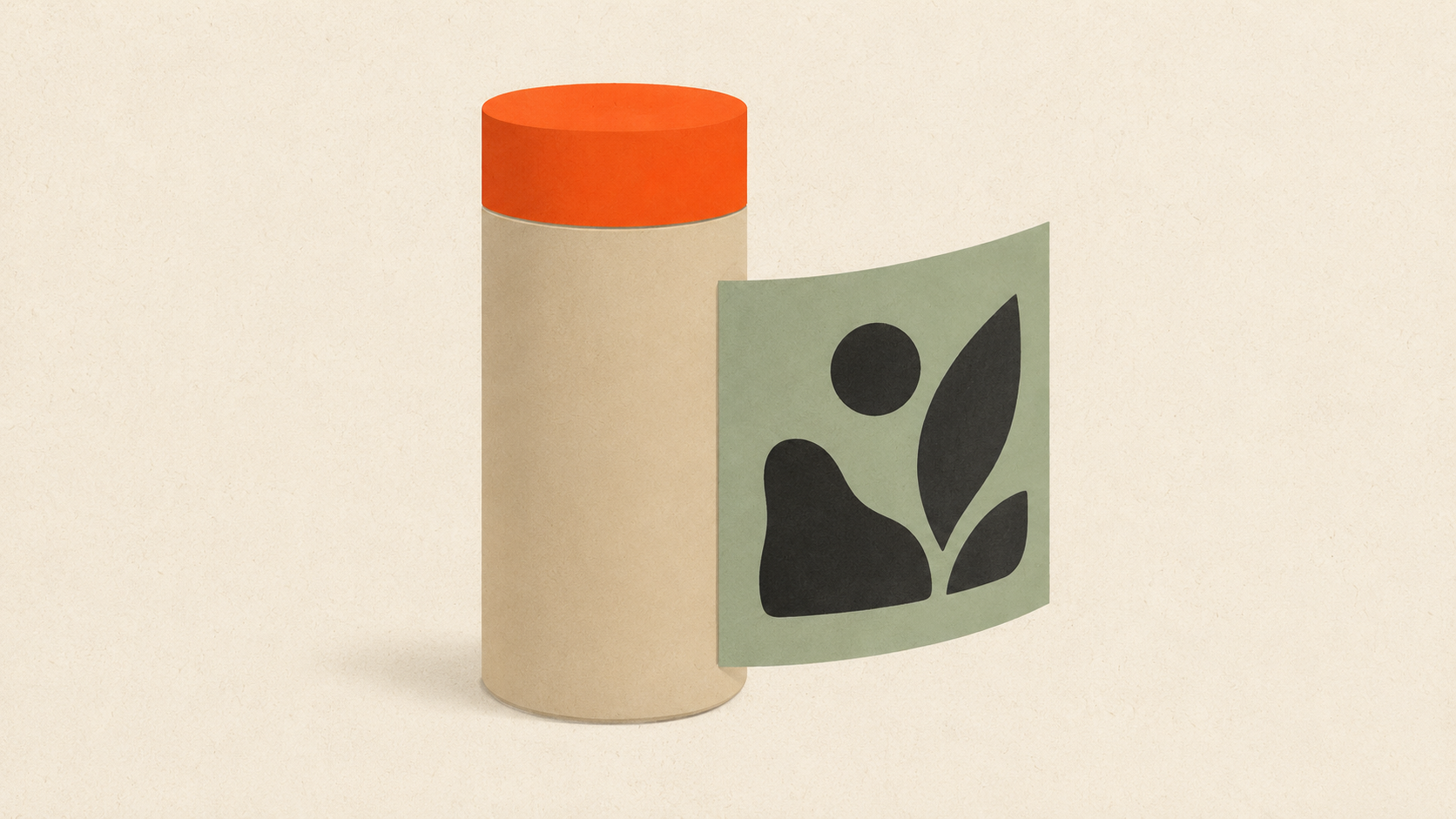
UV DTF printing: why high-resolution files matter most here
UV DTF is the newest member of the DTF family — and the one that's most unforgiving when the source file is wrong. It's used for printing on rigid surfaces (bottles, mugs, phone cases, hard packaging), and the print sizes are often small enough that every pixel matters.
Here's exactly what UV DTF needs from your file, why the resolution requirement is even stricter than regular DTF, and how to avoid the common failures.
What UV DTF is (and isn't)
UV DTF (UV Direct-to-Film) prints your design onto a clear adhesive film using UV-curable inks. The film is then applied to a rigid surface — like a sticker — and the design becomes part of the product.
Key differences from regular DTF:
- Substrate: Rigid surfaces (glass, metal, plastic, hard packaging) instead of fabric
- Ink: UV-curable instead of water-based dye sublimation or textile pigment
- Application: Cold-press or peel-and-stick, not heat press
- Detail capability: Often capable of finer detail than fabric DTF because the rigid substrate holds detail better than fabric
The result looks and feels like a high-quality printed label, but with the application flexibility of a transfer.
Common UV DTF applications:
- Custom water bottles and tumblers
- Beauty product packaging
- Candle labels
- Phone cases
- Mugs (especially custom one-offs)
- Pen barrels and tech accessories
- Small batch product labels
If your printing involves rigid surfaces and small-to-medium print sizes, UV DTF is probably the right method.
Why file resolution matters even more here
UV DTF prints often run at smaller sizes than regular DTF apparel prints. A mug wrap might be 8 inches wide. A water bottle 6 inches. A phone case 3 inches.
At smaller print sizes, the viewer's eye is much closer to the print. A water bottle is held inches from the face when you take a drink. A phone case is examined daily. Every blur, every pixel artifact, every color shift is visible.
This means UV DTF needs even cleaner files than apparel work, where the print is viewed from a few feet away.
Minimum resolution: 300 DPI at print size, but 400-600 DPI recommended.
For a 6-inch print, that means at least 1,800 pixels wide, but ideally 2,400 to 3,600 pixels.
This is the rule that gets violated most often — small print sizes lull people into thinking small files are fine. They aren't. Small but high-density beats large but low-density every time.
File requirements
Vector source files preferred. As with regular DTF, your best starting point is a vector. From a vector you can export PNG at any resolution. If your source is raster, convert to vector first using ArtworkUpgrade or similar — free preview, then SVG, PDF, EPS, AI, or DXF outputs.
PNG with transparent background. This is the standard file format for UV DTF, same as regular DTF. The transparent background tells the printer where to lay down ink versus leaving the film clear.
Color mode: CMYK preferred, RGB acceptable. UV DTF printers are CMYK-based, plus they often have white and varnish channels. RGB files get converted in the RIP. For brand-critical colors, work in CMYK from the start.
Real CMYK black for text. If your design has black text or fine line work, specify it as 100% K (black ink only) rather than rich black (CMYK mix). 100% K stays crisp; rich black can register slightly off and look slightly blurry at small sizes.
Outline all text. Live fonts substitute. Outlined text is locked in.
Confirm white layer if needed. Like DTF, UV DTF can lay down white ink as an underbase for color to sit on. If your design has white elements that need to actually appear white (rather than letting the substrate show through), confirm white ink with your printer.
What size to design at
UV DTF print sizes vary widely. Some common dimensions:
- Small water bottle wrap (16-22 oz): 7 to 9 inches wide × 3 to 4 inches tall
- Mug wrap: 8 to 9 inches wide × 3 to 3.5 inches tall
- Phone case: 3 to 4 inches wide × 6 to 7 inches tall (full back)
- Candle label (3 inch jar): 9 inches wide × 3 inches tall (full wrap)
- Tumbler wrap (30 oz): 9 to 11 inches wide × 4 to 5 inches tall
Design at the actual final size at 400 DPI from the start. Don't design at 4-inch size at 72 DPI and try to scale up — you'll lose detail you can't recover.
Common UV DTF failures
Failure 1: Designs that look fine on a screen but blurry on the bottle.
This is the resolution problem in disguise. The designer mocked it up at screen resolution, the customer approved the mockup, the print came out soft. Always confirm print-ready resolution before producing.
Failure 2: Text below 6 point.
UV DTF can hold fine detail, but text below about 6 point is risky. Tiny ingredient lists, fine print disclaimers, decorative tiny type — these often print soft or break up. Either bump up the size or accept the risk.
Failure 3: Light colors on transparent or dark substrate without white underbase.
If you skip the white layer on a clear bottle, your colors blend with whatever's behind the print. Same on a black phone case. Confirm white ink with the printer if your design has light colors.
Failure 4: Detail in low-contrast areas.
A pale gray pattern on a beige background reads fine on screen but disappears on the printed substrate. Increase contrast for printed work, especially at small sizes.
Failure 5: Stretching the design to fit a curved surface.
A flat 8x3 design wrapped around a curved bottle doesn't always look right. Some surfaces need a slightly distorted file (curved baseline, varying width) to look correct once applied. Discuss with the printer if the application surface is curved.
The bottle and the bad file
The math on UV DTF failures: a single bad print on a custom 22-oz bottle might cost $5 in materials. Multiply by 100 bottles for a brand launch and you've burned $500 on a problem that proper file prep would have caught.
This is the same downstream cost pattern we describe in the hidden cost of bad print files — but UV DTF concentrates the cost into a small, high-margin item where the failure rate hurts more.
The fix is upstream: design at the right resolution from the start, work from vector sources whenever possible, pre-flight every file before production.
Submitting files to a UV DTF printer
Standard submission package:
- The artwork as PNG with transparent background, sized to final print dimensions at 400 DPI minimum
- A flattened preview (PDF or JPG) showing the design with color reference
- Application reference: which side of the bottle, exactly where on the phone case, etc.
- Color specs: Pantone numbers for brand-critical colors
For curved-surface applications, the printer may need to adjust your file for the curvature — discuss this in advance.
For Indian small-batch packaging and UV DTF work, Kraftix Digital handles UV DTF, DTF, embroidery, and packaging printing across India.
UV DTF vs regular DTF — quick decision
| You're printing on | Use |
|---|---|
| T-shirts, hoodies, tote bags | Regular DTF |
| Polyester sports apparel | Regular DTF or sublimation |
| Glass bottles, ceramic mugs | UV DTF |
| Phone cases, metal containers | UV DTF |
| Wood, painted surfaces | UV DTF |
| Hard packaging (plastic, cardboard) | UV DTF |
| Cotton apparel | Regular DTF or screen printing |
The processes use similar files (PNG with transparency) but the resolution standards and color management differ. When in doubt, ask your printer which one fits your job.
Related decoration methods
For apparel work specifically, regular DTF file requirements and t-shirt printing fundamentals cover the apparel side of this family. UV DTF and regular DTF share principles but apply to completely different substrates.
For hard surfaces specifically, sublimation handles polymer-coated items, but UV DTF works on uncoated rigid surfaces that sublimation can't touch.
Application techniques affecting visual outcome
UV DTF transfers are applied like stickers — peel and stick onto the substrate. But how the application is done affects the final appearance.
Surface preparation matters. UV DTF sticks best to clean, dry, smooth surfaces. Oil, dust, or moisture under the transfer creates bubbles or weak adhesion. Wipe the substrate with isopropyl alcohol before applying for best results.
Curved surfaces need care. Wrapping a transfer around a curved bottle or cylinder requires either a stretchable transfer film or a design built for the specific curvature. Standard flat UV DTF transfers can wrinkle on tight curves.
Edge wear is the failure point. UV DTF transfers usually peel from the edges first if abused. Designs with elements at the very edge of the transfer are more vulnerable than designs with margins. Build at least 2mm of clear film around the design edge for durability.
Cold press is gentler than warm. Some UV DTF transfers can be applied with light heat (low-temperature heat press) for better adhesion. Others are cold-press only. Confirm with your printer or test before deciding.
Durability and outdoor use
UV DTF transfers are durable for indoor use — they survive washing (in some formulations), daily handling, and normal wear. Outdoor use is more variable.
Sunlight (UV exposure): Some UV DTF formulations are UV-resistant; others fade in direct sunlight over months. Confirm with your printer if the application is outdoor.
Water and chemicals: Most UV DTF transfers handle splashes and rain. Submersion (dishwashers, swimming pools) is harder on them. Beverage containers usually need to be hand-washed to preserve the print.
Temperature extremes: Heat above ~150°F can soften the adhesive. Freezing temperatures can make the film brittle. Within normal indoor and outdoor temperature ranges, transfers are stable.
For applications where extreme conditions are expected (industrial equipment, marine use, automotive exteriors), screen printing or pad printing usually outperform UV DTF for longevity.
The takeaway
UV DTF wants the highest-resolution files of any common print process — 400 DPI minimum at print size — because the prints are small, viewed up close, and unforgiving of any source-file weakness. Start with vector sources, design at final size, watch your color specs, confirm white ink for light-on-dark applications. The process produces beautiful results when the file's right. When it isn't, the failures are small, expensive, and visible.
Stop redrawing customer logos by hand
ArtworkUpgrade vectorizes any logo or design in 30 seconds. Free preview before you pay. $7 per design, all formats included.
Try free preview →More guides for Industry Guides
Cricut SVG vs DXF: which file format to use when cutting
SVG and DXF both work in Cricut Design Space but they're not interchangeable. Here's when to use each, the trade-offs, and how to convert from a raster.
Screen printing: how to prepare your file for crisp, clean prints
Screen printing demands color-separated vector files. Here's how to prep your file, spec colors, handle underbases, and avoid the separation fee.
How to vectorize a logo for embroidery: a practical guide
Embroidery digitizing software needs clean vector input. Here's how to get a logo embroidery-ready, what to do with bad customer files, and common failures.